This tutorial play shows you how to draw up synchronous and optional actions.
In the Animation tab:
Use the rewind toggle button in the animation timeline to execute an action at the same time as the preceding action in the timeline.
In the Animation tab:
Use the optional path button in the animation timeline for every action that is optional. These actions will be drawn up but not executed.
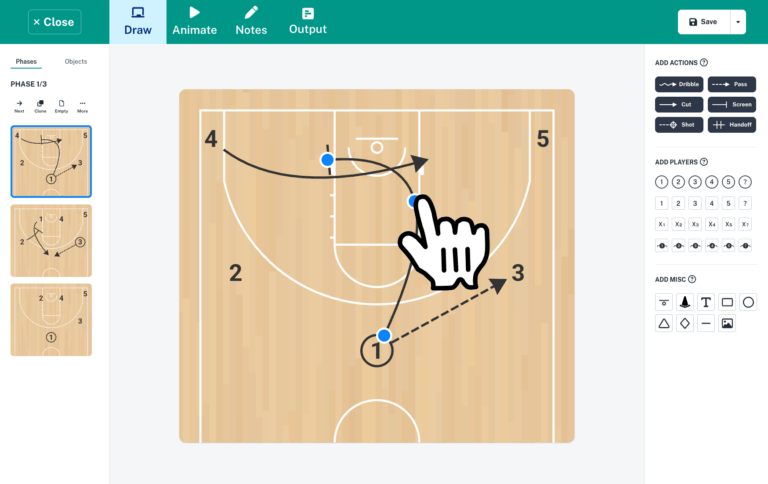
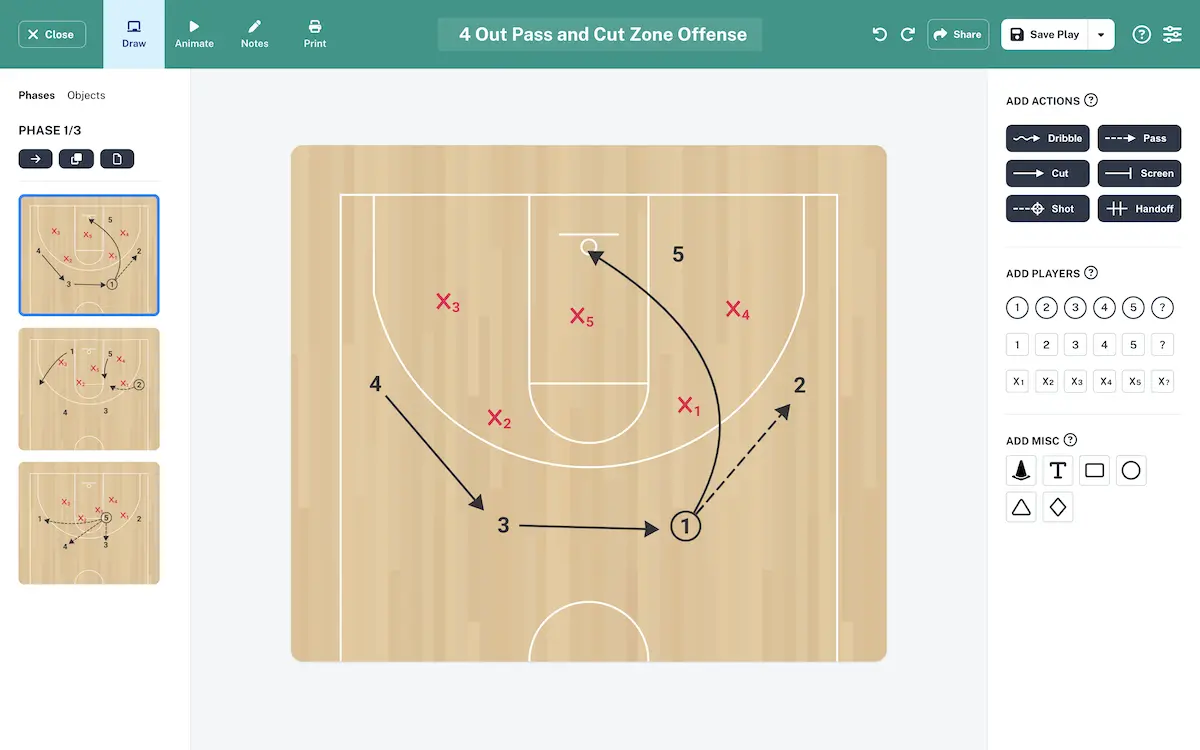
Create plays with our intuitive drag & drop editor.
Your plays will be animated automatically!
© 2026. The Hoops Geek